
2: Don’t Take the Bait

Spotting Phishing and Social Engineering Attacks
INTRODUCTION
In today’s digital world, our inboxes and social media feeds are often battlegrounds where cybercriminals try to trick us.
These tricksters aren’t always master hackers; more often, they’re experts in phishing and social engineering – psychological tactics designed to make you want to click that link, open that attachment, or give up your personal information.
The good news? Once you know what to look for, these attacks become much easier to spot.
What’s the Difference? (And Why It Matters)
-
Phishing: Think of it as bait on a hook. It’s usually an email, text, or message that looks legitimate (like it’s from your bank, a popular online service, or even a colleague) but is actually designed to steal your credentials or infect your device.
-
Social Engineering: This is the broader umbrella. It’s the art of manipulating people into performing actions or divulging confidential information. Phishing is a type of social engineering, but it also includes phone scams (vishing), in-person cons, and other deceptive tactics.
The common thread? They prey on our trust, curiosity, fear, or desire for a good deal.
Red Flags: How to Spot a Phishing Email or Social Engineering Attempt
Here are the critical signs to watch out for:
Unexpected Requests or Urgent Demands:
-
-
“Your account has been suspended! Click here to verify.” (Fear)
-
“You’ve won a lottery you never entered! Claim your prize now.” (Greed/Curiosity)
-
“Immediate action required! Your package delivery failed.” (Urgency)
-
“Your boss needs you to buy gift cards for clients ASAP.” (Authority)
-
Always be suspicious of anything demanding immediate action, especially if it involves money or personal data.
-
Suspicious Sender Details:
-
-
-
Mismatched Email Addresses: The sender’s name might say “Amazon,” but the actual email address is
amazon-support123@notarealdomain.com. Always check the full email address. -
Typos in Domain Names:
micros0ft.cominstead ofmicrosoft.comorpaypa1.cominstead ofpaypal.com. Look for subtle misspellings. -
Generic Greetings: “Dear Customer,” instead of your actual name, is a common giveaway. Legitimate organizations usually personalize their communication.
-
-
Grammar, Spelling, and Formatting Errors:
-
-
Professional organizations proofread their communications. Many phishing emails, especially from less sophisticated attackers, contain noticeable grammatical mistakes, awkward phrasing, or inconsistent formatting.
-
Links That Don’t Match:
-
-
Hover Before You Click! On a computer, hover your mouse over any link without clicking it. A small pop-up will usually show the true destination URL. If the text says “amazon.com” but the link goes to
malicious-site.xyz, it’s a scam. -
Shortened URLs: Be wary of generic URL shorteners (like bit.ly or tinyurl) in unexpected emails, as they hide the true destination.
-
Requests for Sensitive Information:
-
-
No legitimate organization will ever ask for your password, full credit card number, or security codes (like CVV) via email. If an email asks you to “verify” or “update” this information by clicking a link, it’s almost certainly a scam.
-
Attachments You Didn’t Expect:
-
-
If you receive an unsolicited email with an attachment (especially Word docs, PDFs, or ZIP files), be extremely cautious. These often contain malware. If you weren’t expecting it, don’t open it.
-
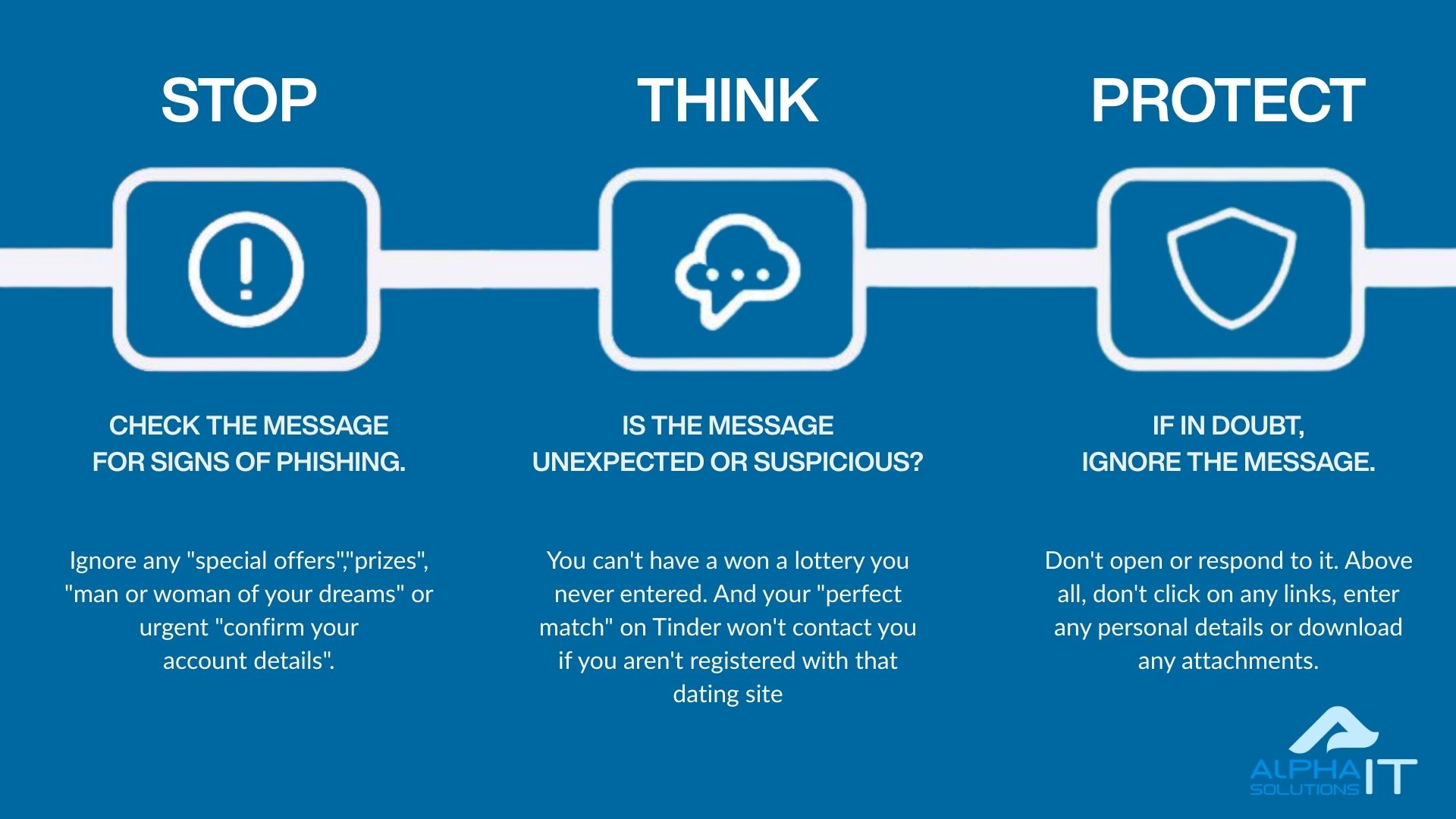
What to Do If You Spot an Attack
-
Do NOT Click Links or Open Attachments.
-
Do NOT Reply to the Sender.
-
Delete the Email/Message.
-
Report It:
-
Forward phishing emails to your IT department (if applicable) or to
support@alphait.ie. -
Report suspicious texts to your mobile carrier.
-
If it’s impersonating a specific company (like PayPal or your bank), forward it to their dedicated phishing report email address (you can usually find this on their official website).
-
-
If You’re Unsure: Contact the organization directly using a known, official phone number or website (don’t use the contact info from the suspicious message!).
CONCLUSION
Phishing and social engineering attacks are constantly evolving, but their core tactics remain the same: they exploit human nature.
By staying vigilant, scrutinising unexpected messages, and recognizing the red flags outlined above, you can significantly reduce your risk of becoming a victim.
Remember, a moment of caution can save you a world of trouble. Stay alert, stay safe!
FREE DOWNLOAD
Download a PDF version of this material.