
3: Fortifying Your Digital Fortress:
Beyond “P@ssword123”: A Guide to Passwords and MFA
INTRODUCTION
For years, we were told that a “strong” password meant a chaotic mix of capital letters, numbers, and symbols changed every 90 days.
But itoday, the game has changed.
Cybercriminals use AI-driven tools that can crack “complex” but short passwords in seconds.
To stay safe today, you need to shift your focus from complexity to length, and from passwords to identity layers.
The New Gold Standard: Length Over Complexity
Modern security guidelines have officially retired the requirement for “special characters.”
Why? Because users usually make predictable choices (like replacing an ‘a’ with an ‘@’), which hackers easily anticipate.
- The Power of the Passphrase: Instead of Tr0ub4dor&3, use a passphrase: a string of 4–5 random words like Blue-Elephant-Skating-Kitchen.
- Why it works: It is significantly harder for a computer to “brute-force” guess a 20-character phrase than a 10-character complex password, yet it’s much easier for you to remember.
- Stop the Clock: Don’t change your password unless you suspect a breach. Frequent forced resets lead to “password fatigue,” causing people to choose weaker passwords just to get through the day.
Multi-Factor Authentication (MFA): Your Second Deadbolt
If your password is the key to your front door, MFA is the security guard standing behind it.
Even if a hacker steals your password, they are stuck unless they also have your second “factor.”
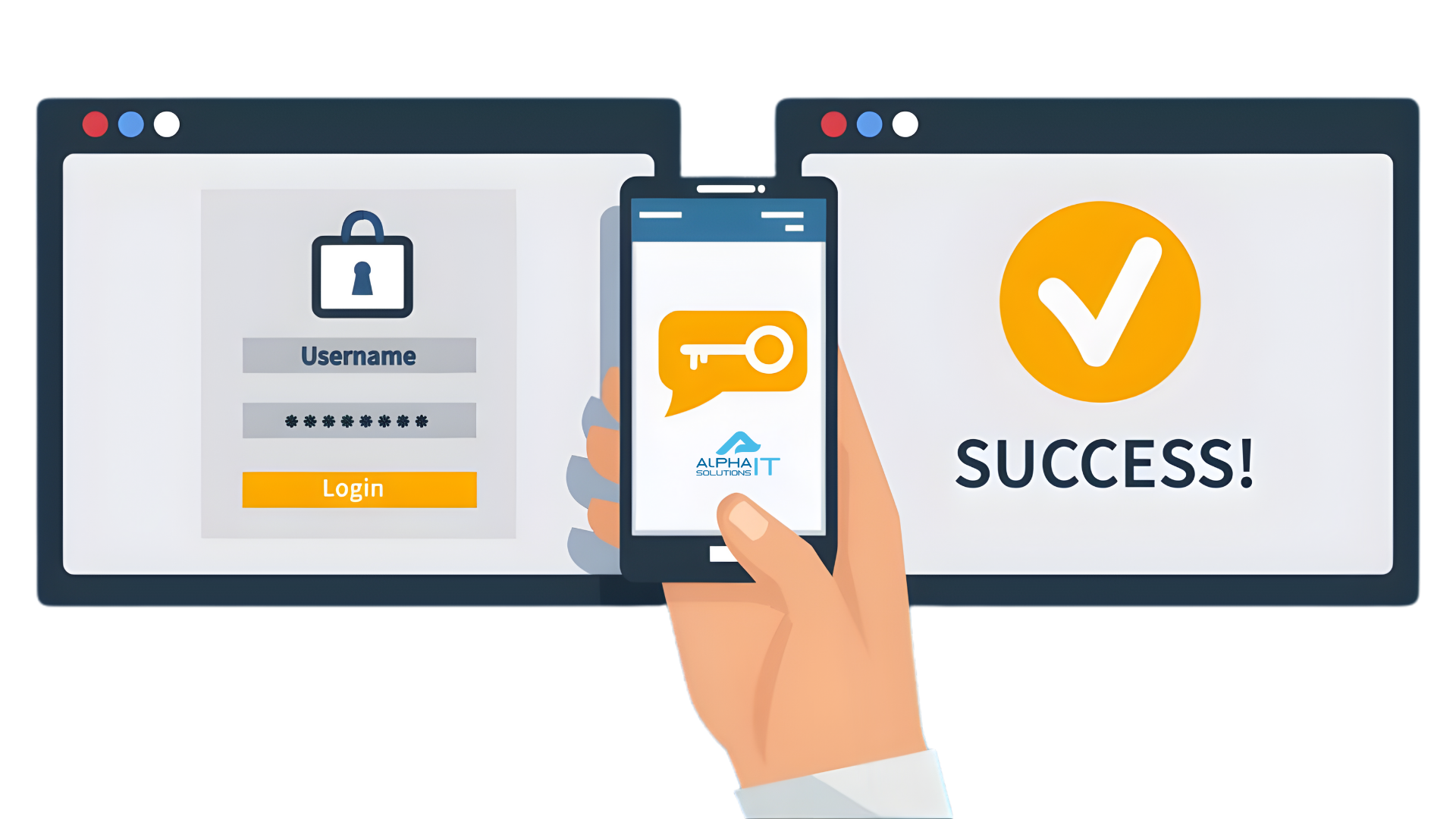
Not all MFA is created equal:
- Good: SMS text codes. (Better than nothing, but vulnerable to “SIM swapping.”)
- Better: Authenticator Apps (like Google, Microsoft, or Authy). These generate time-sensitive codes that never travel over a cell network.
- Best (Phishing-Resistant): Hardware keys (like YubiKey) or Passkeys. These use biometrics (FaceID/Fingerprint) and cryptographic “handshakes” that cannot be tricked by fake websites.
Let a Machine Do the Heavy Lifting
The average person now has over 100 digital accounts. Memorizing unique, long passwords for all of them is humanly impossible.
- Use a Password Manager: Tools like Bitwarden, 1Password, or Dashlane generate and store “un-crackable” passwords for you.
- The Master Key: Your only job is to create one incredibly strong, long passphrase for the password manager itself—and enable MFA on that account immediately.
The Rise of Passkeys
We are rapidly moving toward a “passwordless” future.
Passkeys allow you to log in to sites using the same biometric check you use to unlock your phone.
They are faster, more secure, and immune to phishing because there is no “password” for a hacker to steal in the first place.
CONCLUSION
Staying secure isn’t about being a tech genius; it’s about being intentional.
By adopting long passphrases, using a password manager, and enabling MFA on every account that offers it, you turn your digital presence from a “low-hanging fruit” into a locked vault.
FREE DOWNLOAD
Download a PDF version of this material.